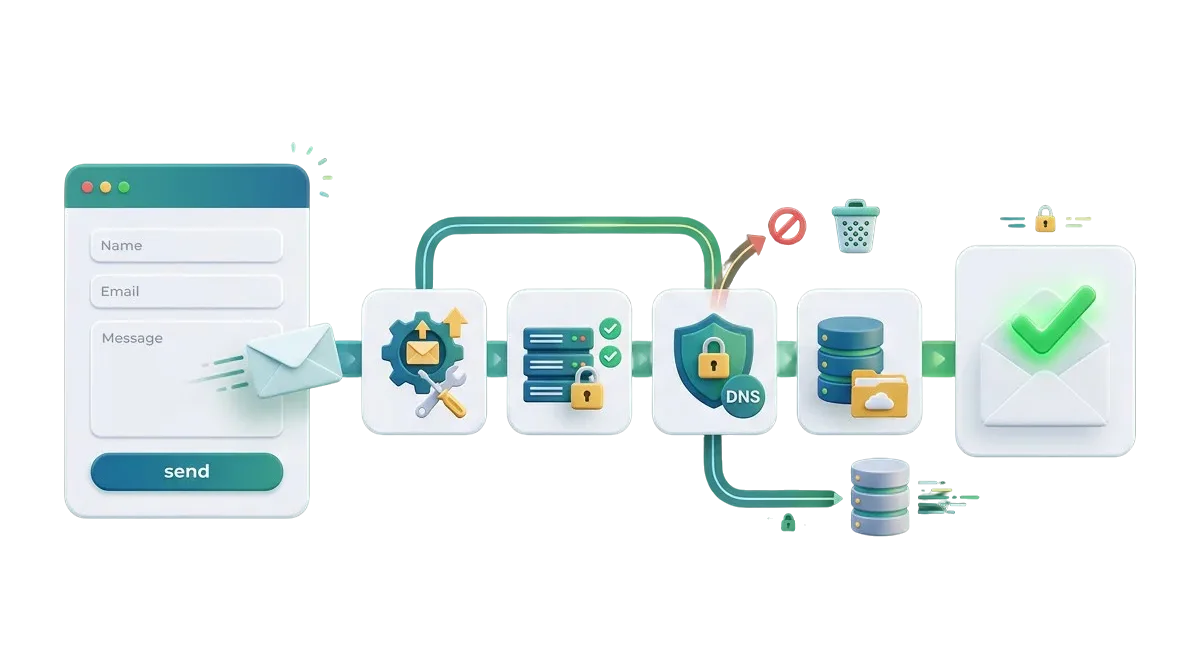
When visitors submit your website contact form but no notification lands in your inbox, high-value leads slip through the cracks. Unreliable default server mail, missing domain security records, and plugin script conflicts cause messages to vanish or drop into spam. We fix your form mail settings, connect dedicated SMTP routing, and set up local database backups so every message reaches your team.




We resolve broken email triggers so customer inquiries, quotes, and support notes send the moment the user clicks submit.
We link trusted mail services like SendGrid, Postmark, and Amazon SES to bypass web host restrictions and send messages reliably.
We configure SPF, DKIM, and DMARC settings on your domain so major mail providers accept your form alerts without routing to spam.
We save every form entry directly to your WordPress database so you never lose a lead even if an outside mail server goes down.
Default WordPress mail relies on basic PHP functions that modern mail hosts routinely flag as junk or block entirely. When your form notifications fail silently, you only find out after a customer calls or leaves for a competitor. We replace weak mail routines with direct, authenticated SMTP connections. Every contact request, consultation booking, and support ticket arrives promptly in your primary inbox.




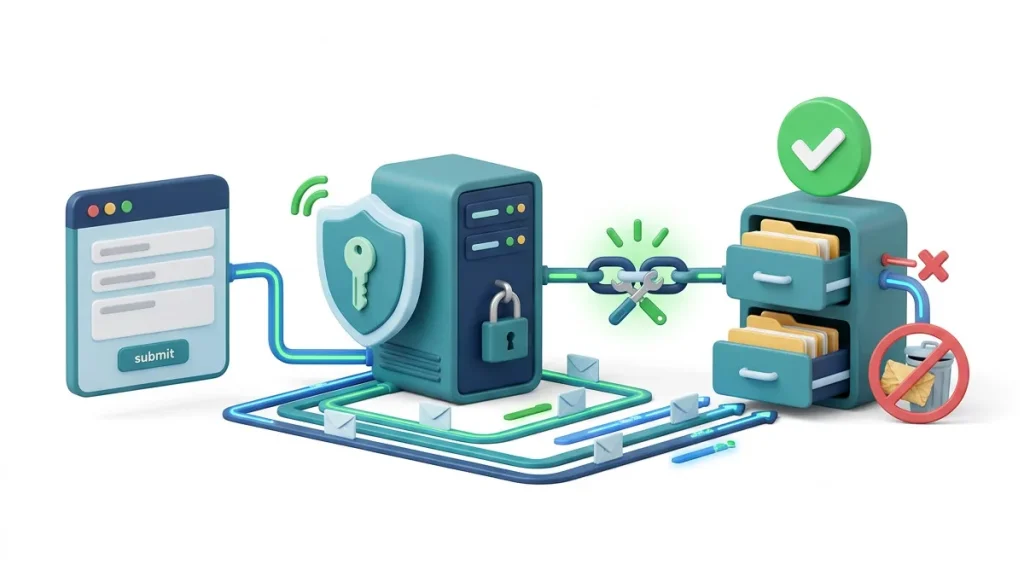
Do not wait for potential clients to follow up on social media to find out your contact form stopped delivering. We set up simple tracking logs that record every sent, delivered, and opened form alert directly inside your dashboard. You get clear status codes so you can verify that messages arrive on time without guesswork.

Keep customer service and bulk purchase requests moving. We ensure pre-sale questions, return requests, and custom order notes arrive instantly in your team inbox without hitting spam filters.

When a client website stops delivering contact inquiries after a hosting migration or domain change, hand the setup to our team. We configure DNS keys and mail routing so your client sites stay healthy.

Make sure your first customer inquiries reach you without delay. We configure your transactional mail servers and domain records before launch so every early inquiry lands in your inbox right away.

Ensure high-intent leads generated by paid ad campaigns trigger instant sales alerts. We verify that form notification hooks fire accurately so your sales reps can follow up while leads are hot.

$ 49.00
$ 99.00
$ 199.00
$ 490.00
$ 990.00
$ 1990.00
Project Step 1
“We inspect your active form plugin settings, notification fields, domain DNS records, and server mail error logs. We run test submissions to trace exactly where outgoing alerts get blocked.”
Project Step 2
“We outline the required SMTP mail service, DNS authentication records, and local entry storage setup. You receive a clear summary of the work before any settings are modified.”
Project Step 3
“We check your email notification formatting, subject line templates, and on-page confirmation messages. We make sure alerts are clean, structured, and easy for your team to read.”
Project Step 4
“We link a dedicated SMTP provider, configure secure API keys, add SPF, DKIM, and DMARC records to your domain host, and set up database entry storage as a backup.”
Project Step 5
“We run test submissions on a safe copy of your site. We test inbox delivery across Gmail, Outlook, Yahoo, and corporate mail servers to confirm messages avoid spam folders entirely.”
Project Step 6
“We apply the verified mail configuration to your live site without downtime. We confirm the first real form submissions deliver cleanly to your inbox and provide notes on checking stored entries.”
Share your website details with us to get a complete form email audit, action plan, and clear quote.