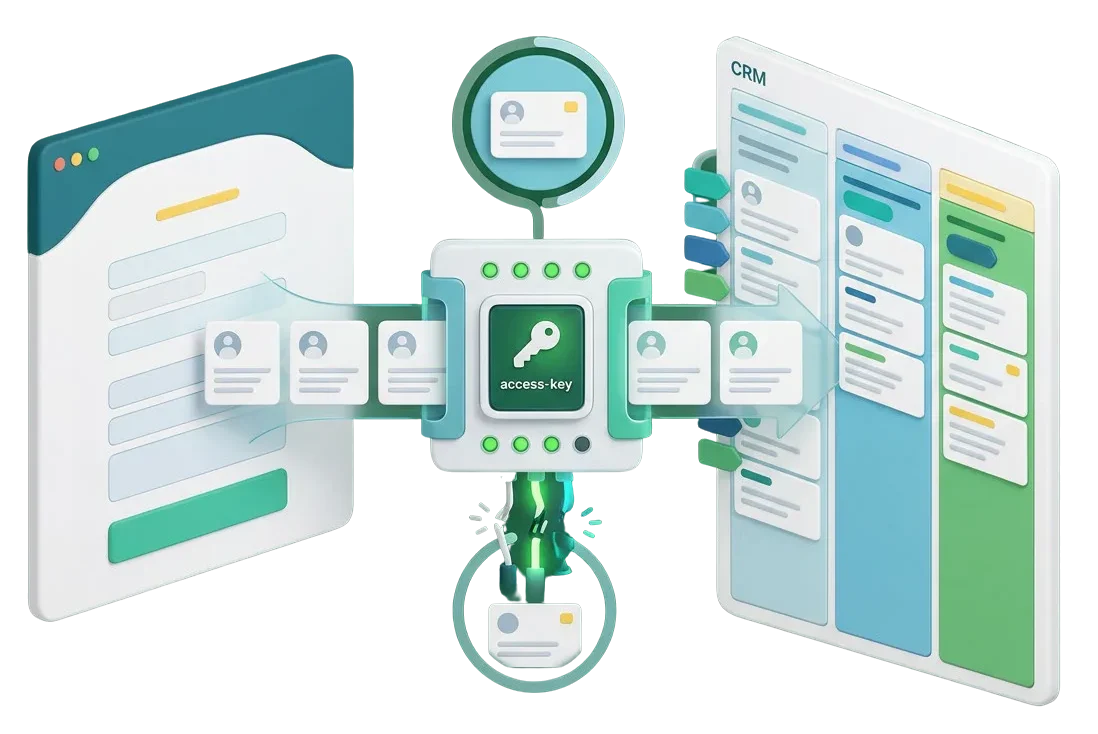
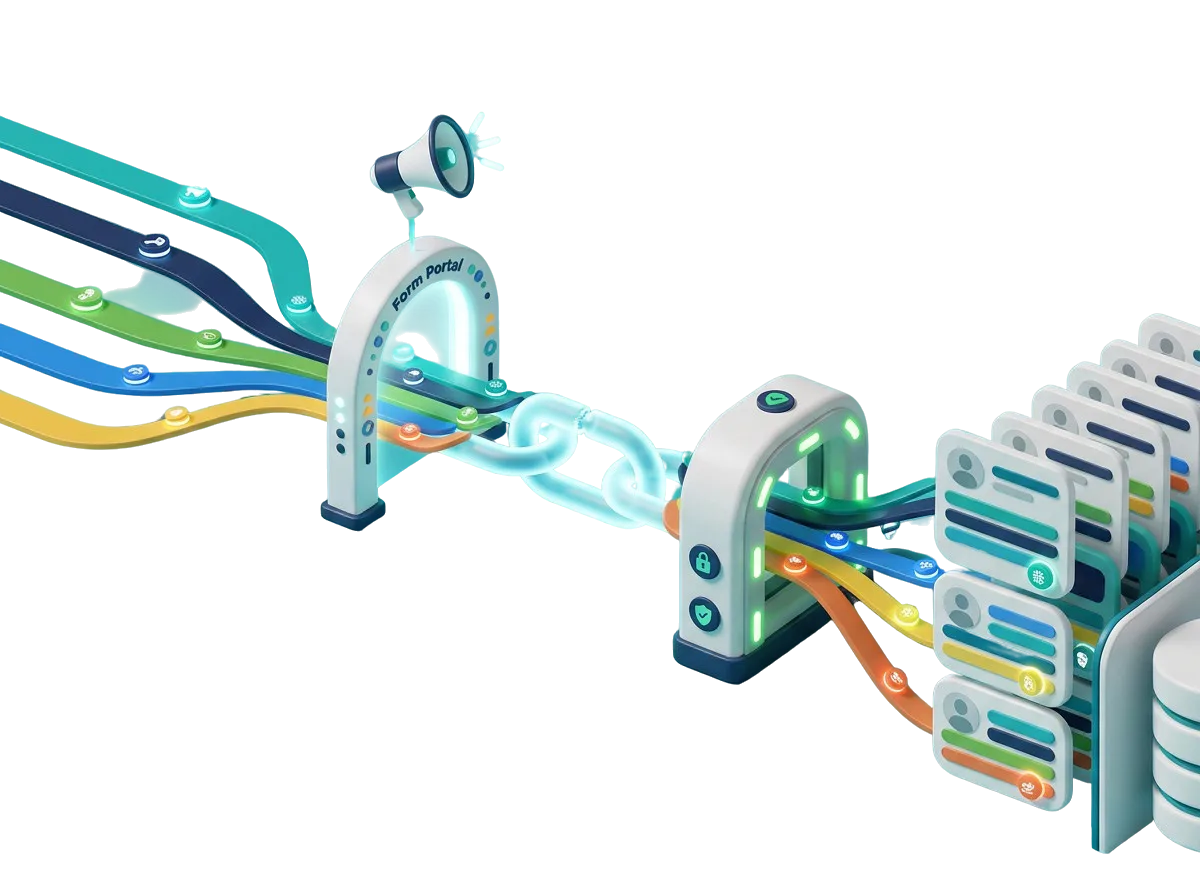
When website forms fail to pass contact details, project notes, and custom fields to your CRM, your sales pipeline grinds to a halt. Expired authorization tokens, mismatched field mapping, and API connection timeouts leave valuable inquiries stuck in your website database. We fix your webhook endpoints, repair custom property mappings, and configure background retries so every customer submission creates or updates records in your CRM immediately.
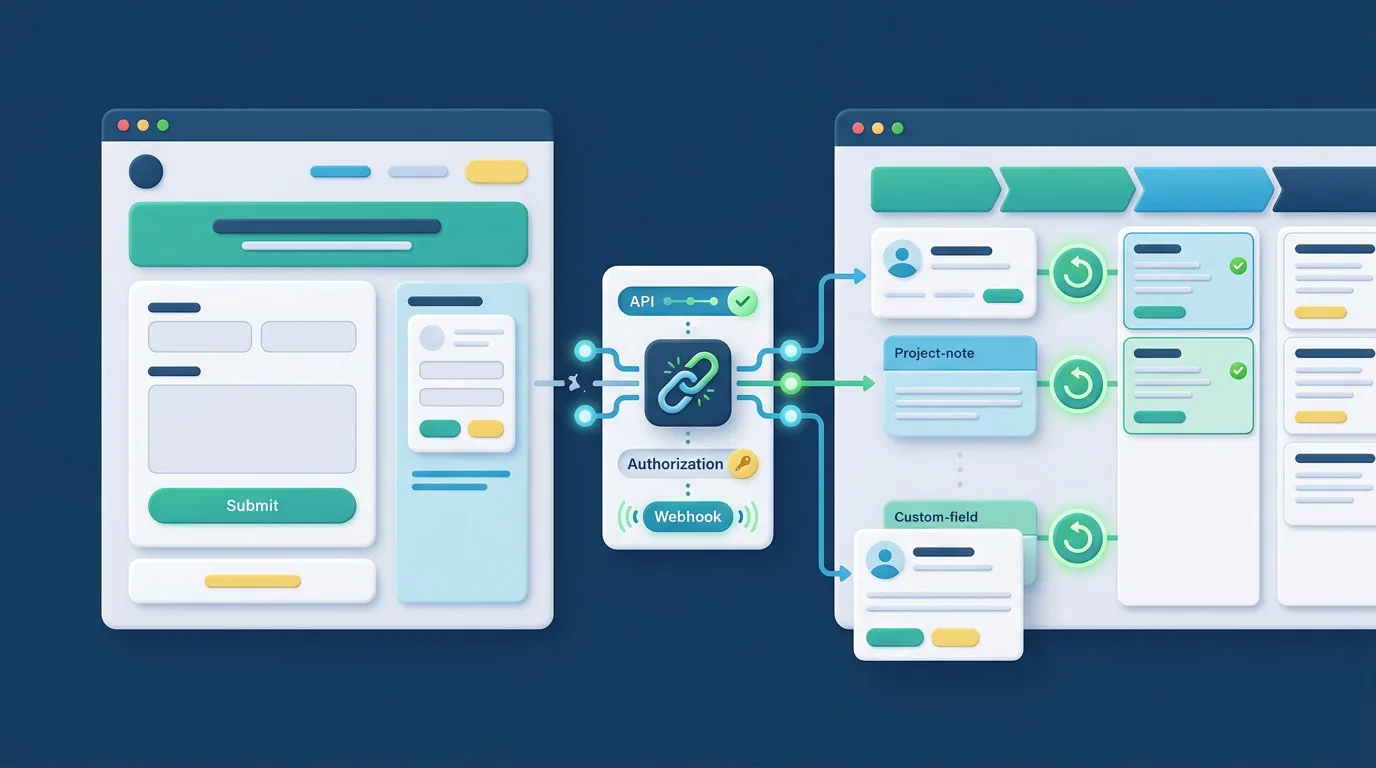



We resolve broken API connections and token errors that prevent form submissions from entering your CRM pipeline.
We align form inputs, checkboxes, and text areas to exact CRM properties so customer data lands in the right fields.
We configure lead routing rules so inquiries automatically assign sales stages, contact owners, and follow-up tags.
We set up smart background queues so temporary CRM server slowdowns or API rate limits never lose incoming inquiries.
Speed is critical when potential clients request a quote or consultation. If your sales reps must manually copy email addresses and project notes from your website admin into your CRM, response times drag and deals grow cold. We build robust direct connections using official APIs and secure webhooks. The moment a visitor submits your form, their profile appears in your CRM with complete details, lead sources, and stage assignments.


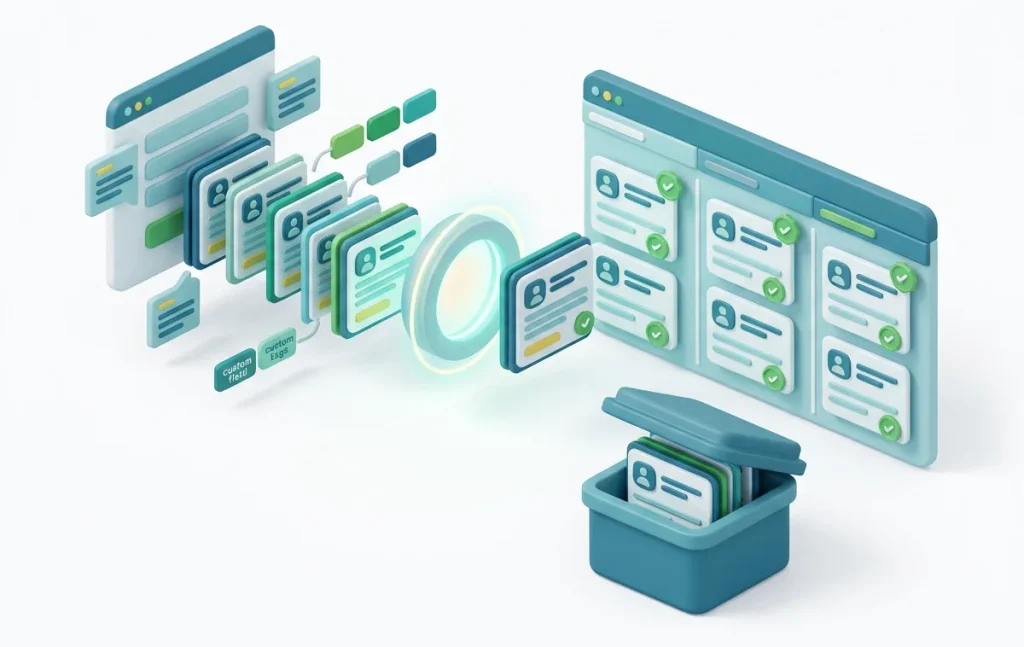
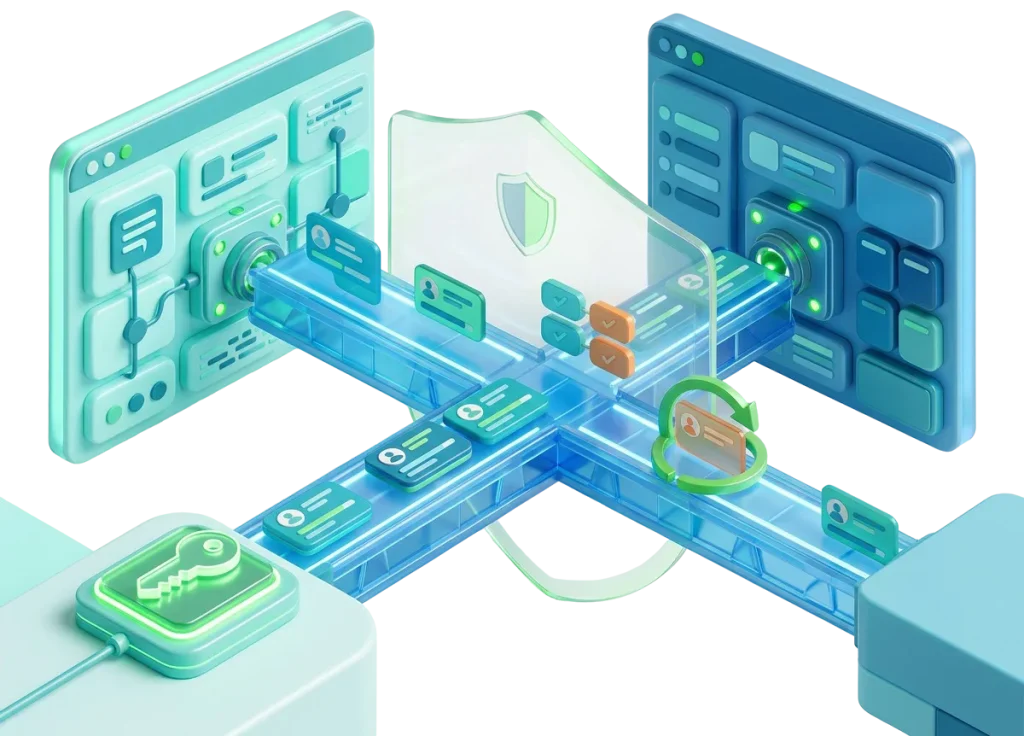
Do not wait for your sales reps to ask why inbound inquiries stopped arriving. We set up simple monitoring tools that watch outgoing API requests, payload responses, and error logs right inside your dashboard. You get immediate visibility if an outside CRM API token expires or changes, keeping your inbound pipeline completely dependable.
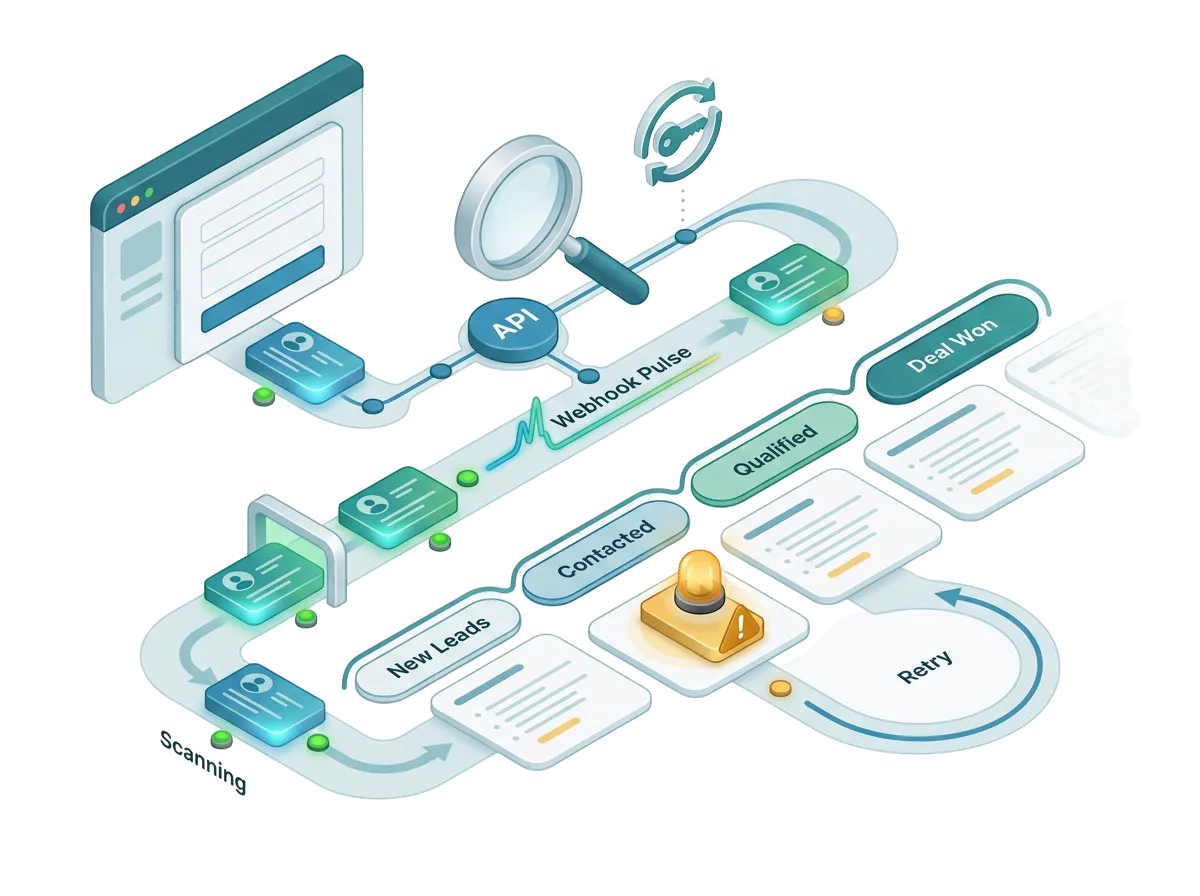
Route high-volume commercial inquiries directly to your enterprise sales team. We map company sizes, resale licenses, and order volumes into custom CRM deal pipelines automatically.
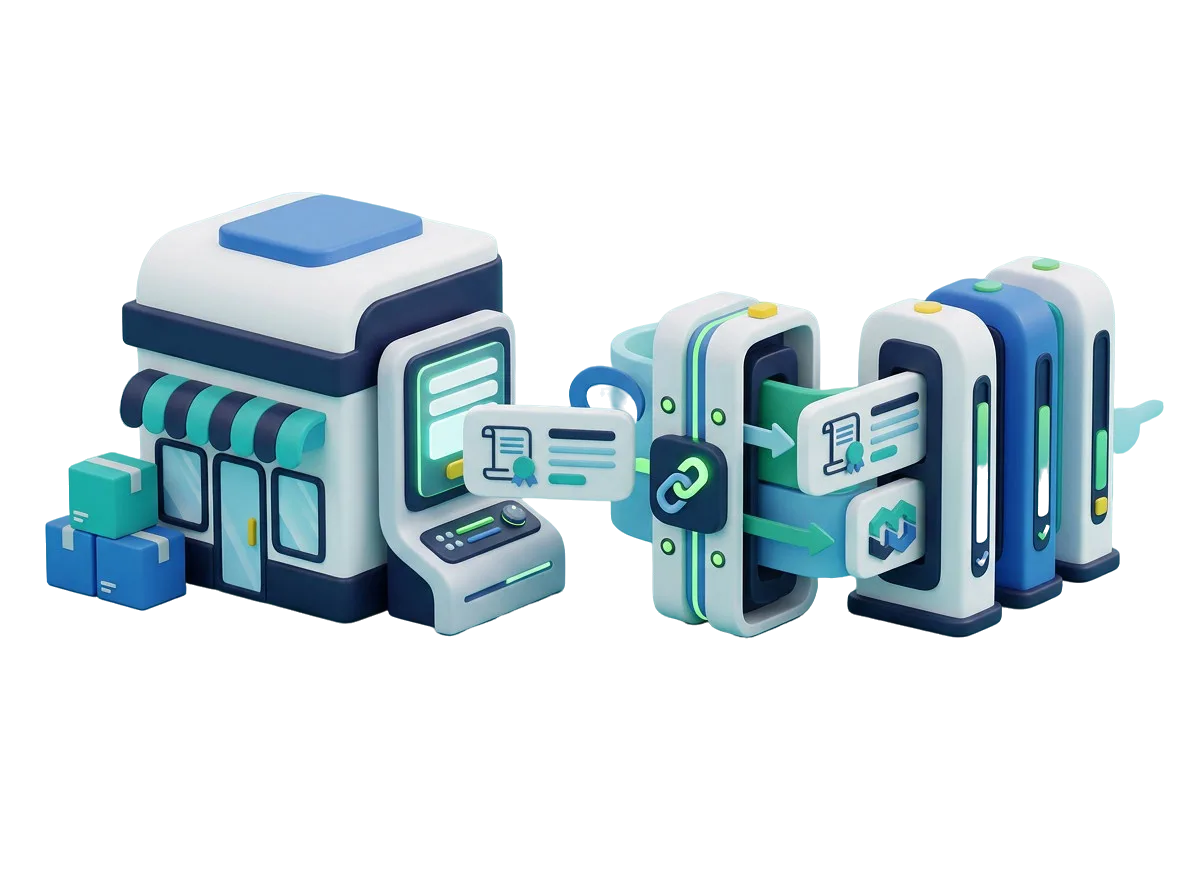
When a client website struggles to send form data into complex multi-stage pipelines, let our team fix the endpoints. We write clean code hooks and map custom objects so client projects succeed.
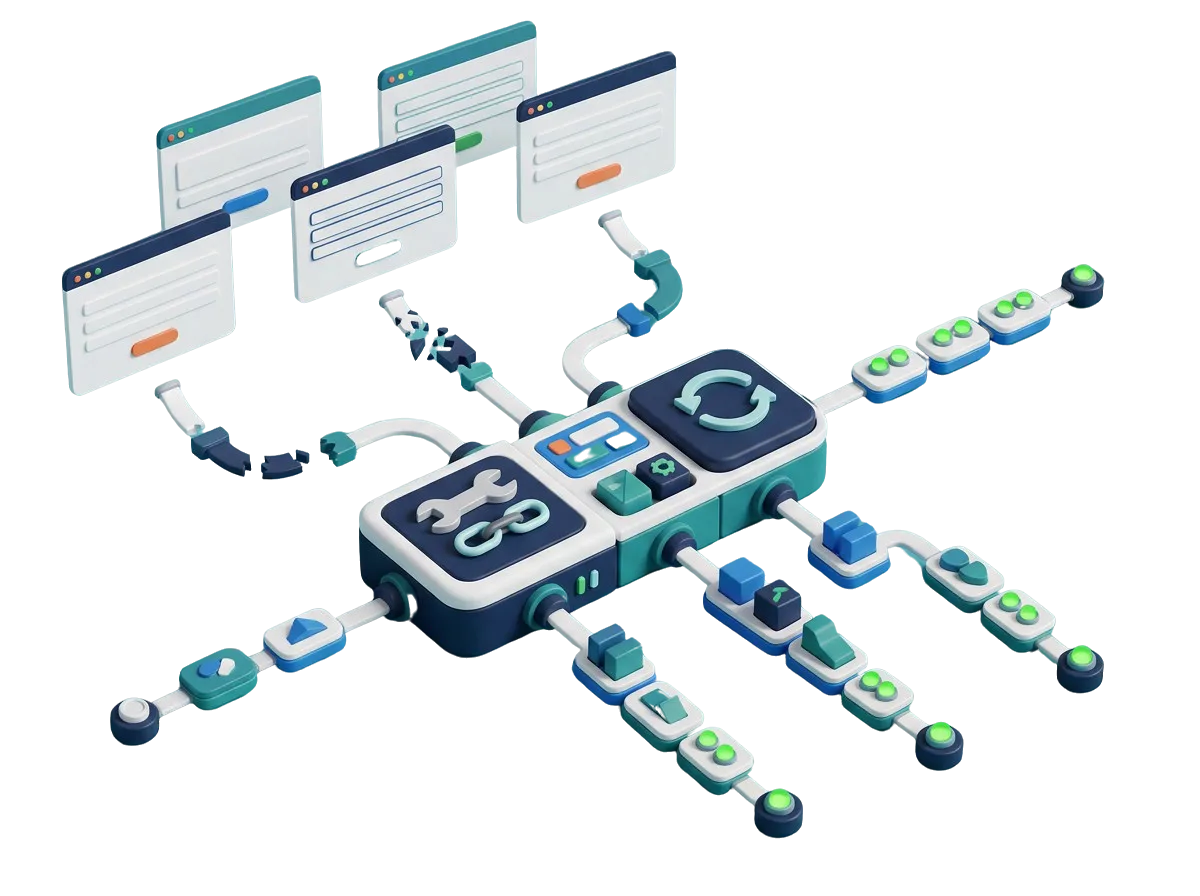
Start your customer outreach with connected sales tools from day one. We test form endpoints, contact creation rules, and automated welcome sequences before your public launch.
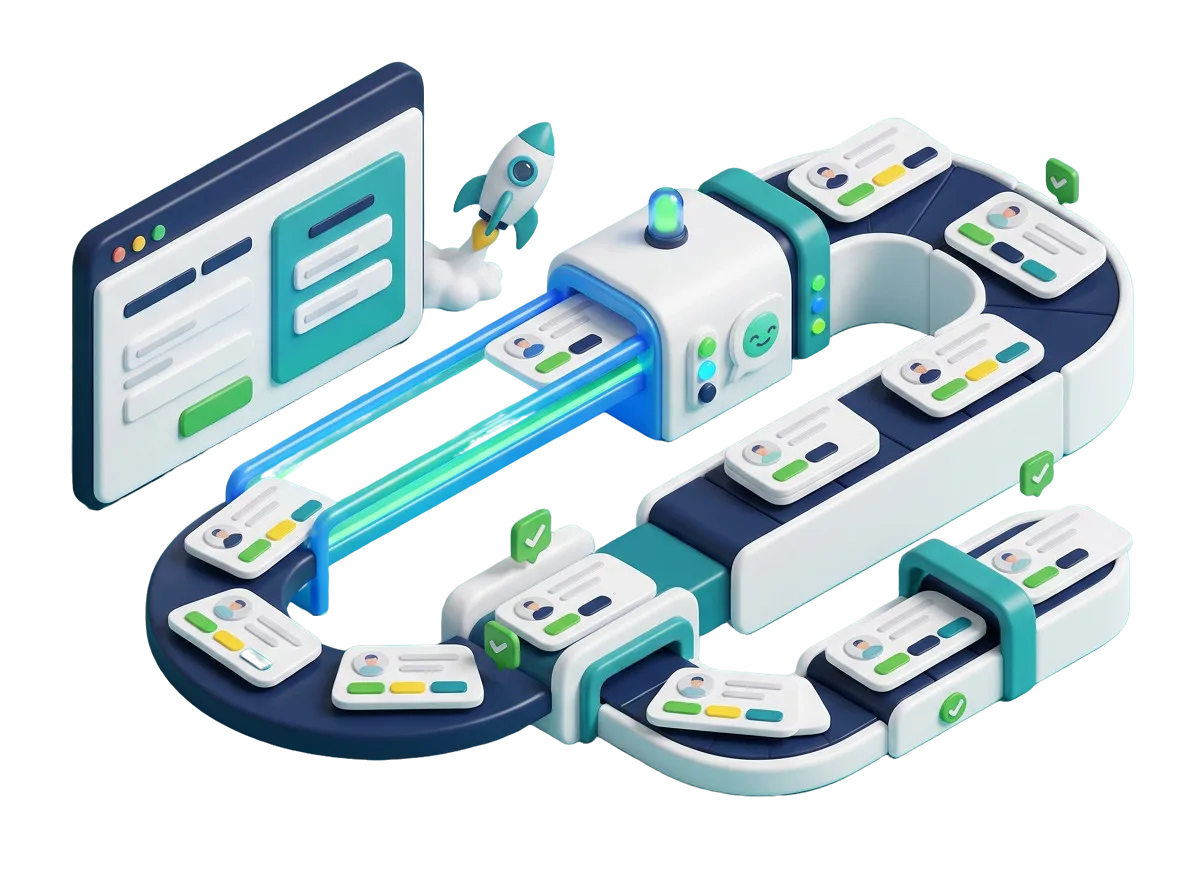
Keep ad tracking tags attached to new CRM contacts. We ensure UTM parameters, landing page URLs, and campaign names pass into CRM lead records so your ad ROI stays clear.
$ 49.00
$ 99.00
$ 199.00
$ 490.00
$ 990.00
$ 1990.00
Project Step 1
“We inspect your active form tools, current CRM integration settings, API logs, and failed submission records. We find where field data gets rejected or why authentication fails.”
Project Step 2
“We create a clear property mapping chart linking each website form field to its corresponding CRM property. You receive a complete summary before any settings are modified.”
Project Step 3
“We check input fields to make sure required details match CRM formatting requirements. We ensure dropdown options, date pickers, and phone fields are clear and easy to complete on all screens.”
Project Step 4
“We configure authenticated API connections, set up webhook listeners, align custom properties, and implement background retry tasks so rate limits never cause data loss.”
Project Step 5
“We submit test leads across various scenarios on a safe copy of your site. We verify that contact records, deal stages, and custom tags populate inside your CRM without delays or duplicate profiles.”
Project Step 6
“We enable the clean CRM connection on your live site without any downtime. We watch the first real inquiries arrive in your CRM pipeline and hand over simple notes on managing API keys.”
Share your website and CRM software details with us to get a complete integration audit, action plan, and clear quote.