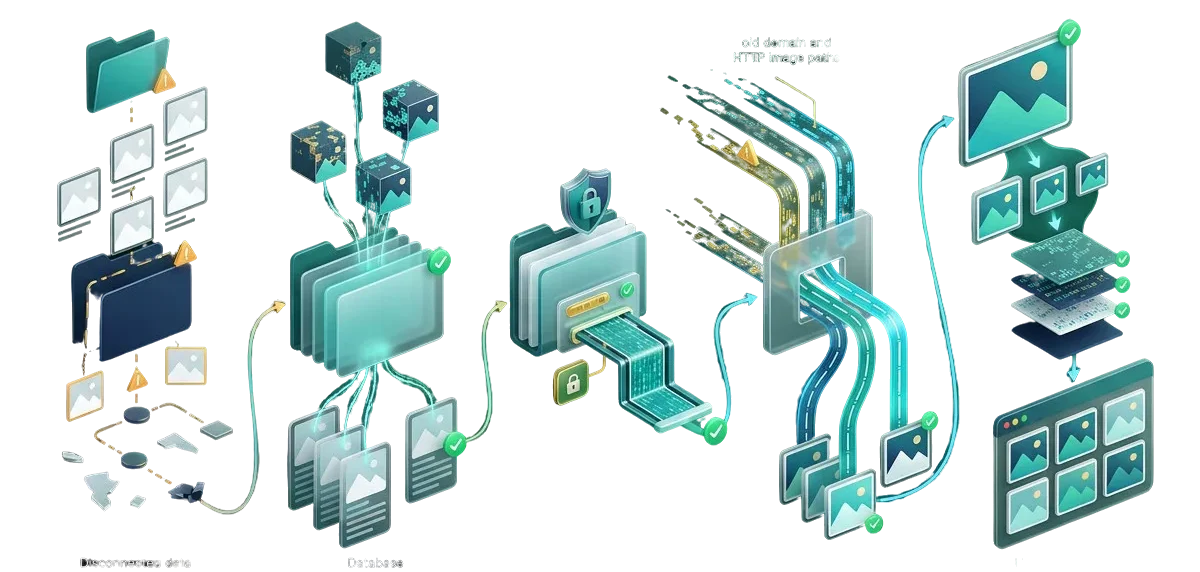
Migrating a WordPress site often leaves behind blank image placeholders, broken file paths, and empty media library grids. Strict server file permissions, missed upload folders, un-updated hardcoded URLs, and corrupted database metadata prevent your pictures from rendering. We restore broken file pathways, repair database attachment records, regenerate missing image sizes, and fix directory permissions so every graphic, product photo, and logo loads cleanly.
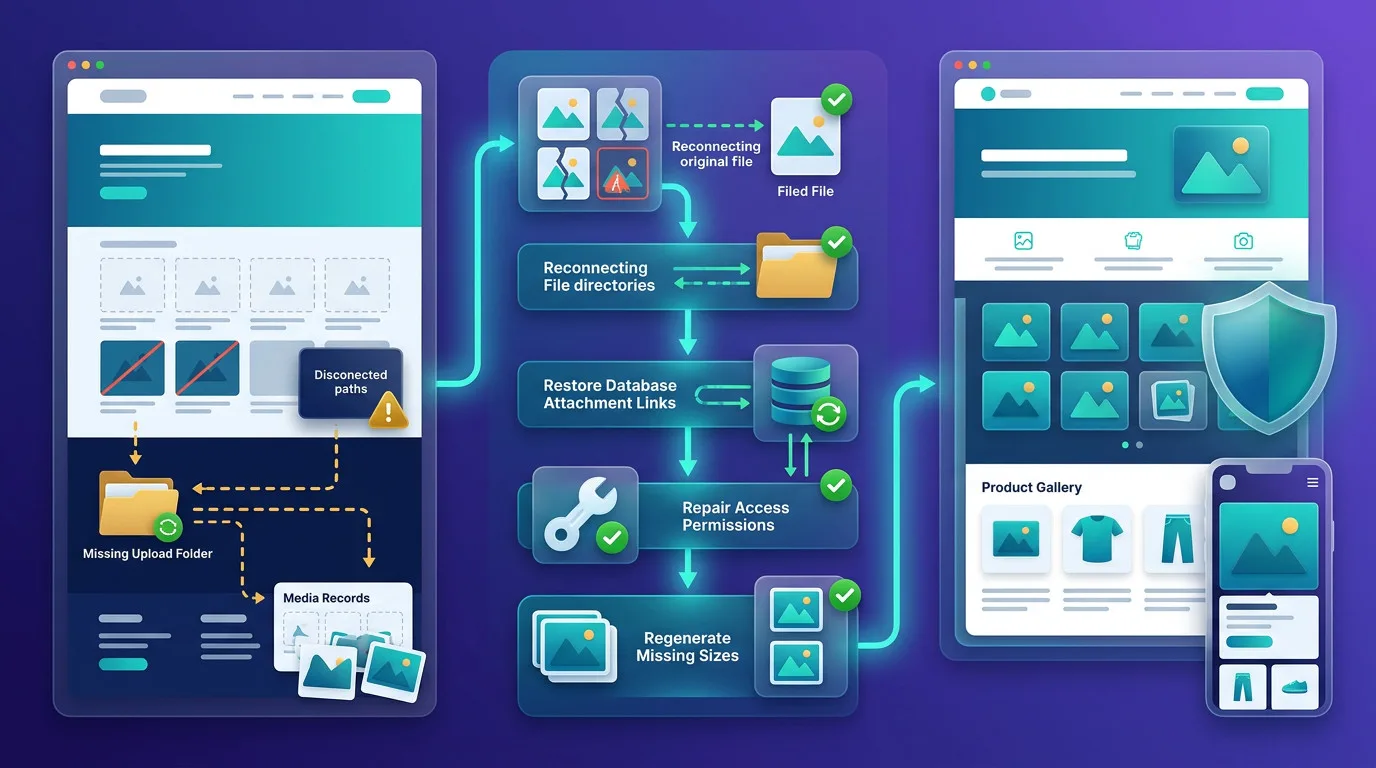



We reconnect orphaned files in your uploads folder back to their corresponding database attachment IDs.
We reset wp-content/uploads directory and file permissions so your web server can read and display images.
We replace legacy domain and HTTP references inside serialized post meta without corrupting visual builder layouts.
We rebuild missing responsive thumbnail dimensions and WebP formats so pages render sharp images on all devices.
Broken image icons and empty grey boxes make a business look neglected and untrustworthy. When automated migration tools fail, media files are frequently skipped due to server timeout limits, or their paths remain tied to old staging URLs. Simply re-uploading pictures breaks connections to existing blog posts, WooCommerce catalogs, and Elementor templates. We repair the underlying database relationships, transfer missing physical files via secure protocols, and regenerate responsive dimensions so every image appears where it belongs.



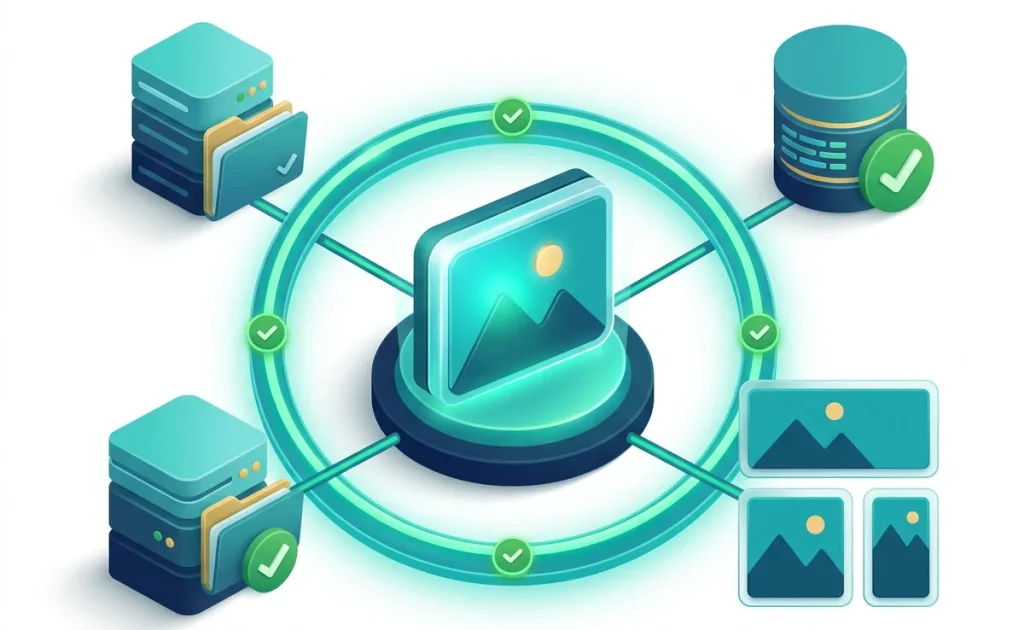
Do not wait for visitors to report missing banners or broken checkout thumbnails. We set up automated asset health checks right inside your dashboard that scan for 404 media requests, missing source files, and broken CDN connections. You get immediate visibility into your media library status, ensuring every page loads graphics seamlessly.
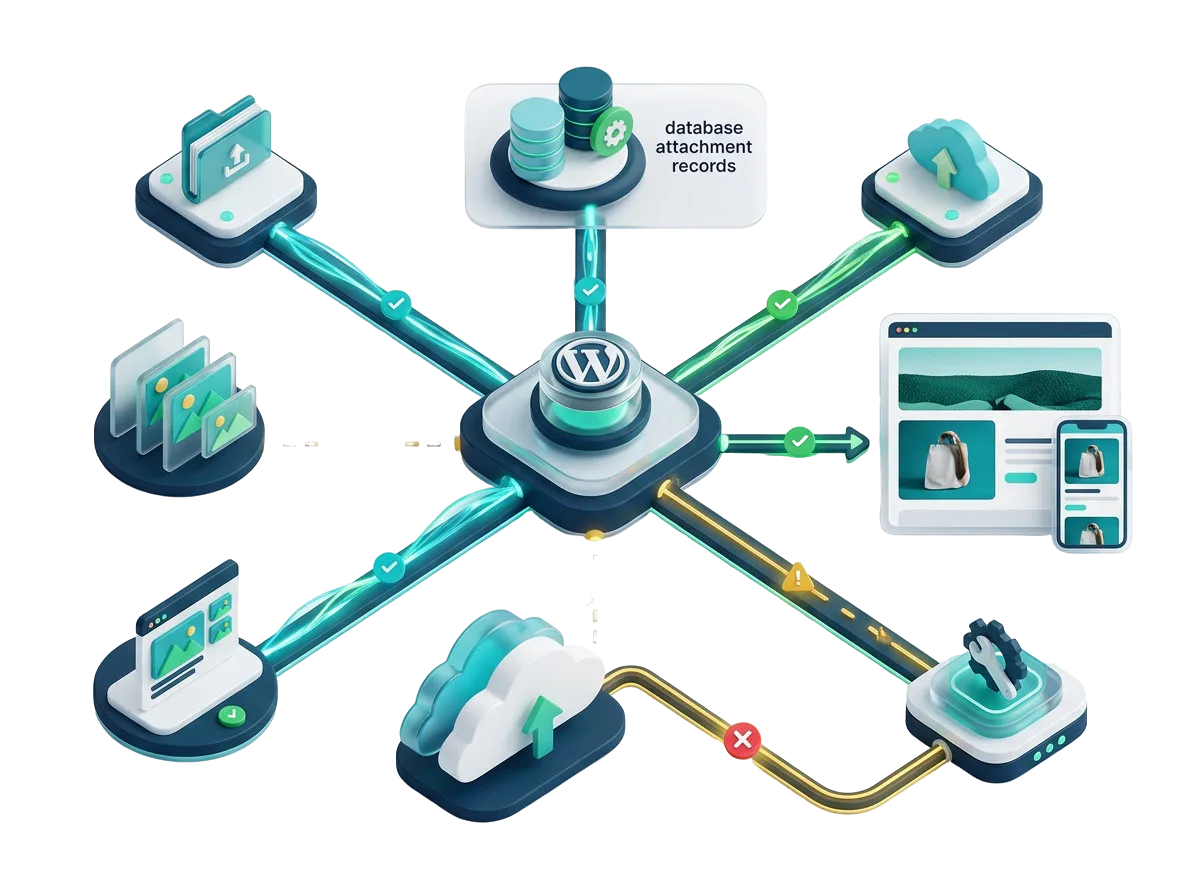
Shoppers do not buy products they cannot see. We recover lost product thumbnails, variable gallery images, and catalog banners so your online store looks professional and checkouts continue smoothly.
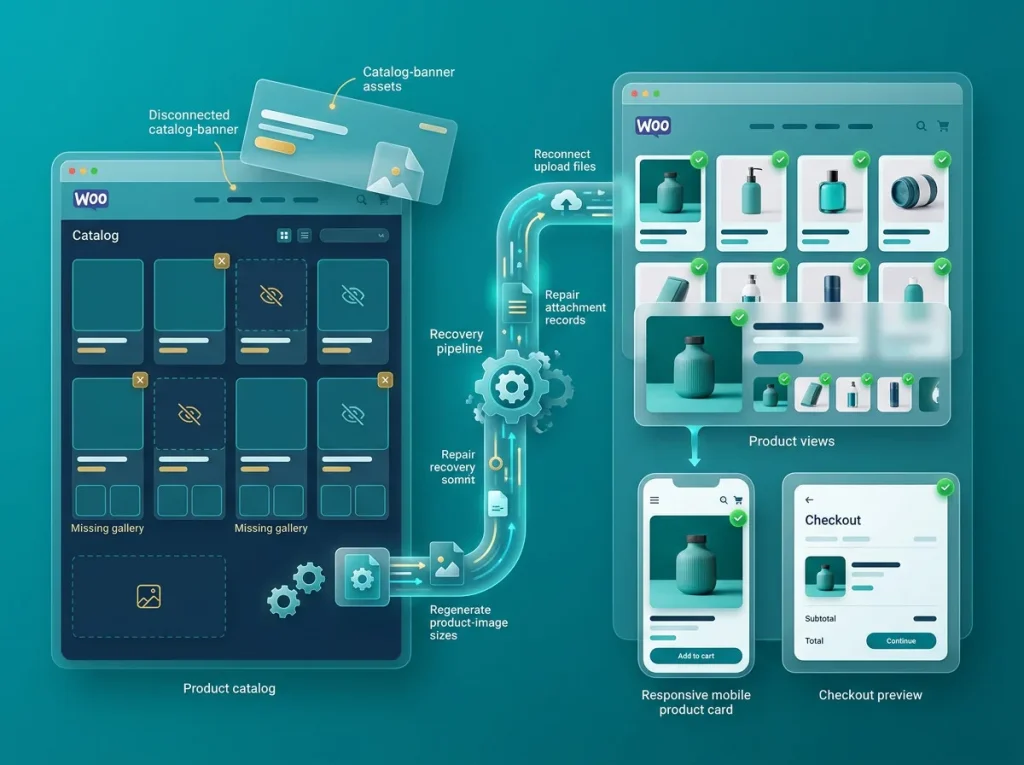
When a client website transfer drops half the media library or breaks Elementor background images, let our specialists step in. We fix file links and database rows behind the scenes for a spotless delivery.
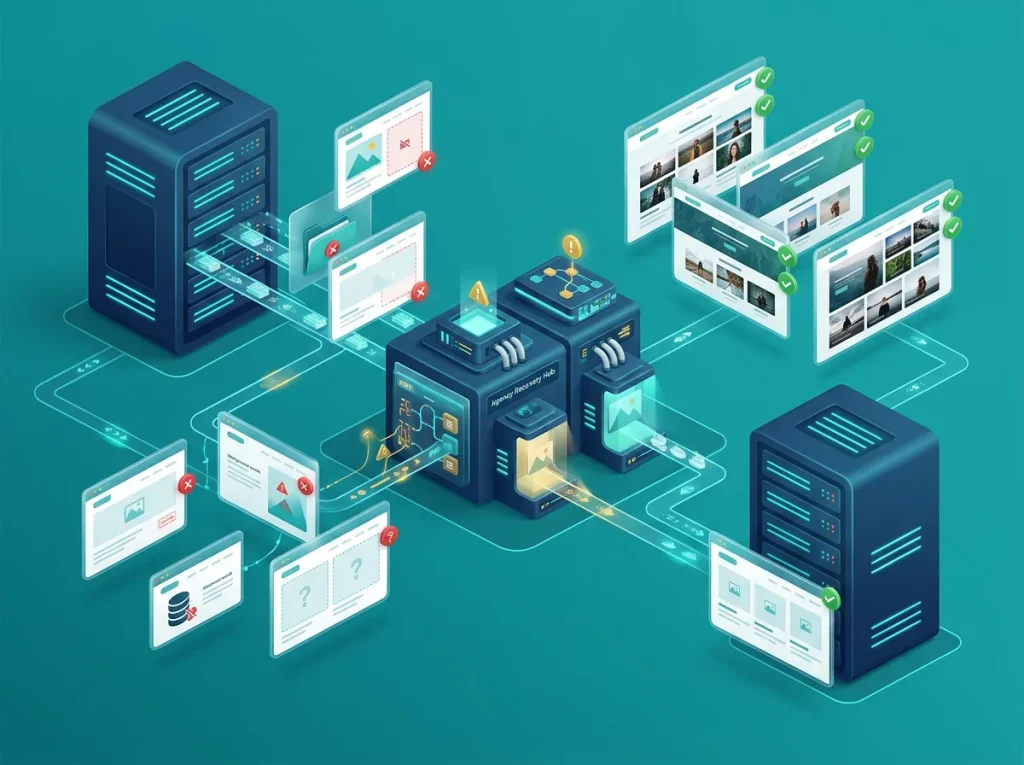
Do not launch your platform with missing feature diagrams or broken brand logos. We verify all asset paths, sync cloud storage, and configure responsive formats before your marketing push begins.

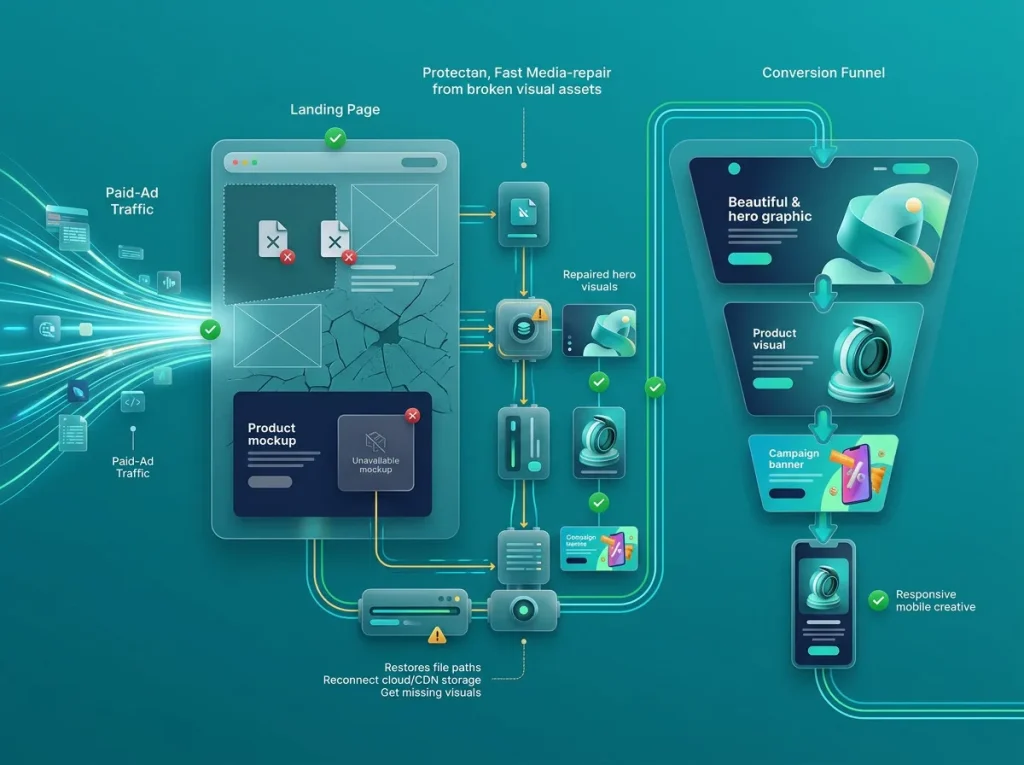
Avoid wasted ad spend on landing pages showing missing hero images. We quickly restore missing graphics, background textures, and product mockups so your paid traffic converts at peak rates.
$ 49.00
$ 99.00
$ 199.00
$ 490.00
$ 990.00
$ 1990.00
Project Step 1
“We inspect your wp-content/uploads folder structure, file permissions, and wp_posts/wp_postmeta database tables. We check browser network requests to verify whether files are missing on the server or simply misreferenced.”
Project Step 2
“We formulate a recovery plan covering missing file synchronization, permission resets, serialized URL updates, and thumbnail regeneration tasks. You receive a clear summary of work before any files are modified.”
Project Step 3
“We review page builder templates, product galleries, and featured images across mobile and desktop viewports to ensure correct aspect ratios and image styling rules remain intact once paths are restored.”
Project Step 4
“We sync missing media files from source servers via SSH/RSYNC, correct directory permissions, run byte-safe serialized replacements for URL paths, and re-index orphaned files into the WordPress media library.”
Project Step 5
“We execute automated thumbnail generation, verify responsive srcset outputs, and check all templates on a staging copy. We verify that zero 404 image errors remain in the browser console.”
Project Step 6
“We push the verified media configurations to your live website without downtime. We confirm crisp, working images across all pages, clear server caches, and provide straightforward file management guidelines.”
Share your website details and migration background with us to get a complete media audit, repair plan, and clear quote.