
Importing variable products through CSV files often turns into a headache. Missing parent IDs, wrong attribute column headers, and server timeouts leave you with disconnected variations or half-uploaded catalogs. We repair your spreadsheet structure, fix database import scripts, and raise server limits so your product variations import cleanly on the first try.




We fix broken parent and child product links so imported sizes, colors, and materials attach properly to main items.
We raise PHP memory limits and configure chunked file processing so big spreadsheets upload without freezing midway.
We match your CSV headers to official WooCommerce schema fields so attributes, prices, and stock numbers land in the right spots.
We resolve image URL errors that leave imported variation thumbnails blank or cause file download failures during import runs.
Typing hundreds of product sizes, colors, and SKUs by hand takes days and invites typos. When automated imports break, your store catalog stalls and launches get delayed. We correct your spreadsheet taxonomy, set up clean attribute slugs, and configure the built-in WooCommerce importer. Your files process smoothly, stock counts match your suppliers, and your new product collections go live on schedule.


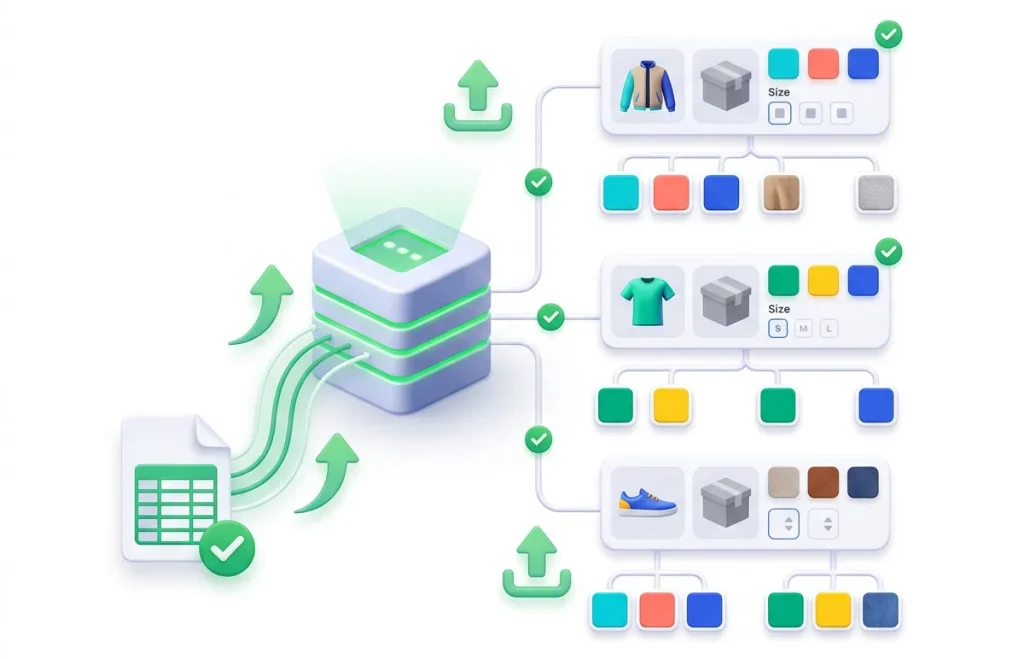

Do not wait for a failed import screen to find out your file had bad characters or missing headers. We set up simple import logging tools that highlight row-level errors before they hit your database. You can see skipped lines, invalid SKUs, and memory usage in real time so your product data stays clean.

Launch new clothing lines with hundreds of sizes and colors in minutes. We format your apparel feeds and tune your server background runners so massive inventory updates finish without site slowdowns.
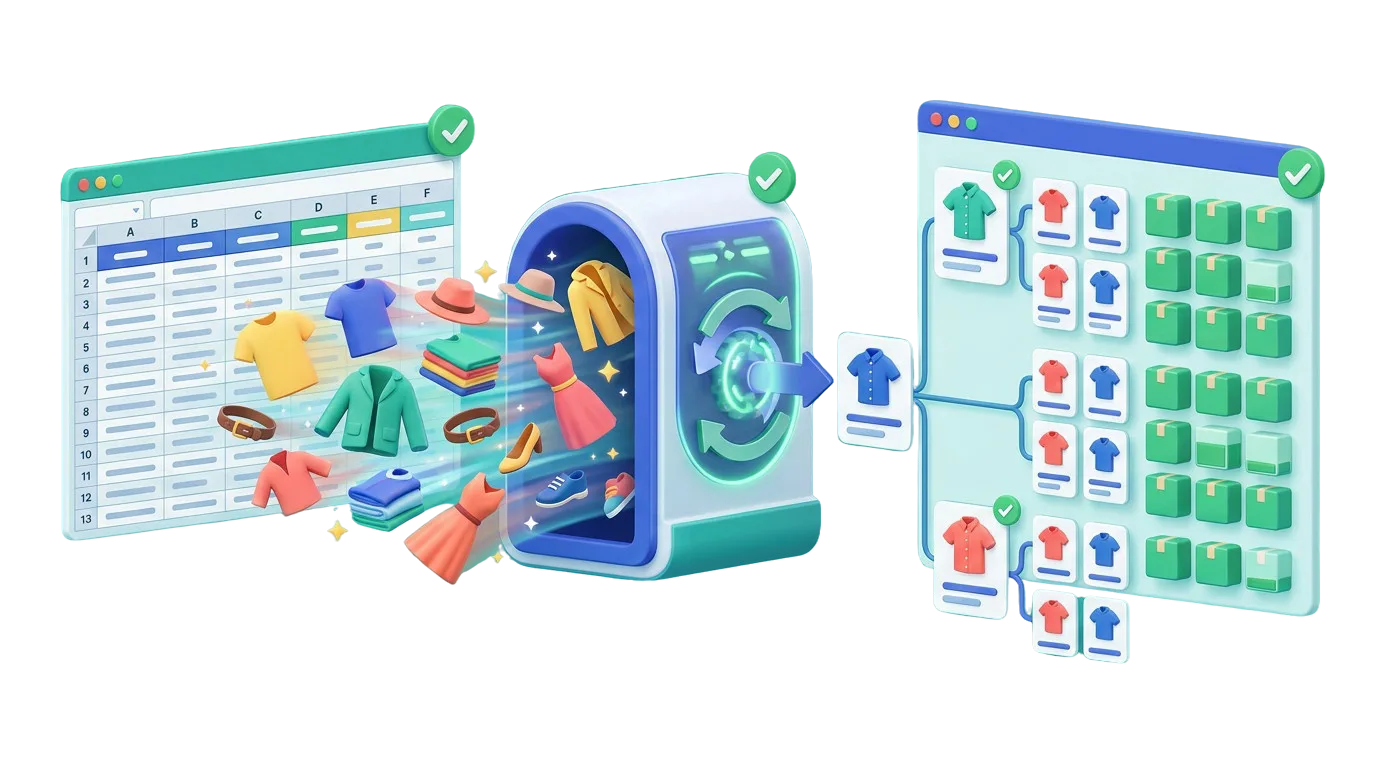
When a client sends a messy supplier spreadsheet with thousands of broken variants, let our team clean the data. We fix header mapping and database hooks so your agency delivers store projects on time.

Get your first online store populated with clean variable items. We build a reusable CSV import template and verify your product links before launch so your store looks sharp from day one.

Make sure newly arrived promotional stock is live and purchasable before your ad campaigns go live. We import inventory and price updates smoothly so shoppers clicking ads find items in stock.

$ 49.00
$ 99.00
$ 199.00
$ 490.00
$ 990.00
$ 1990.00
Project Step 1
“We inspect your product spreadsheet, column headers, character encoding, and server error logs. We test-import a sample row to identify whether broken attributes, parent IDs, or server limits cause the failure.”
Project Step 2
“We map out needed header adjustments, taxonomy slug fixes, and server PHP changes. You get a clear summary of how your file should look before we run any data updates on your site.”
Project Step 3
“We check your live product screens to make sure imported variation labels, color swatches, and size dropdowns look clean and easy to tap on phones and computers.”
Project Step 4
“We clean your CSV data, fix parent SKU links, adjust PHP execution limits, and configure batch sizes. We make sure the file uploads smoothly without crashing your server.”
Project Step 5
“We run the full import on a safe copy of your store. We verify that parent products show all child variations, prices match, stock counts update, and cart buttons work as expected.”
Project Step 6
“We run the clean import on your live store without taking down checkout. We hand over a ready-to-use CSV template and simple guidelines so your team can add future variations safely.”
Share your spreadsheet sample with us to get a complete import audit, action plan, and clear quote.