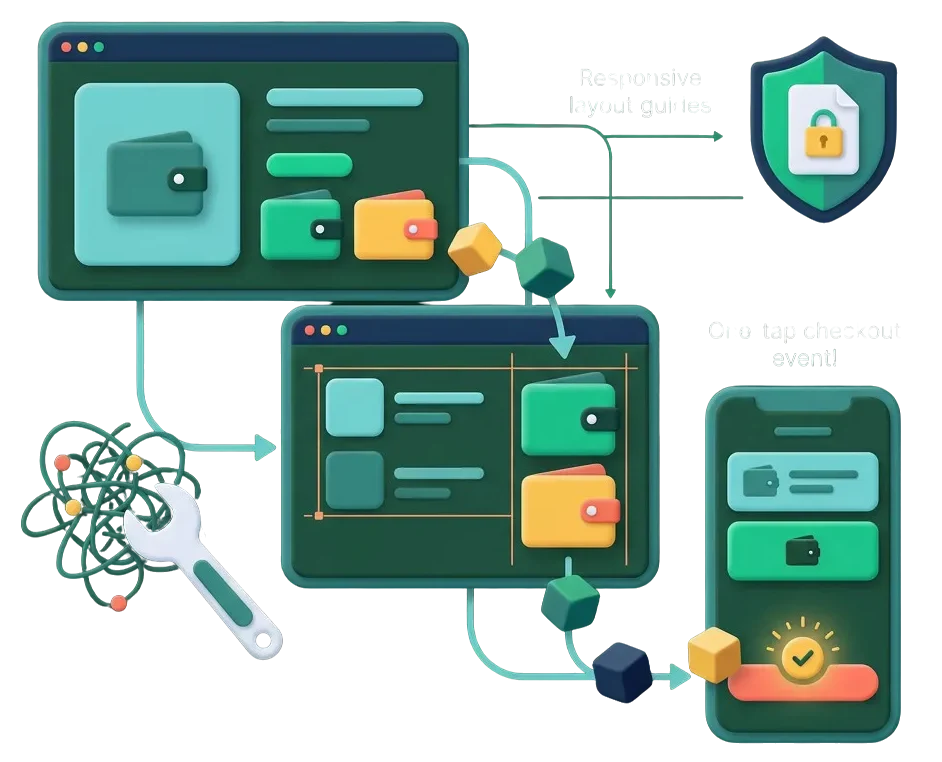
Shoppers on phones want to pay in seconds, not fill out long checkout forms. When Apple Pay or Google Pay buttons fail to show up, customers leave without finishing their purchase. We fix domain verification files, SSL certificate issues, and theme code conflicts so fast mobile wallet buttons appear on every supported device.
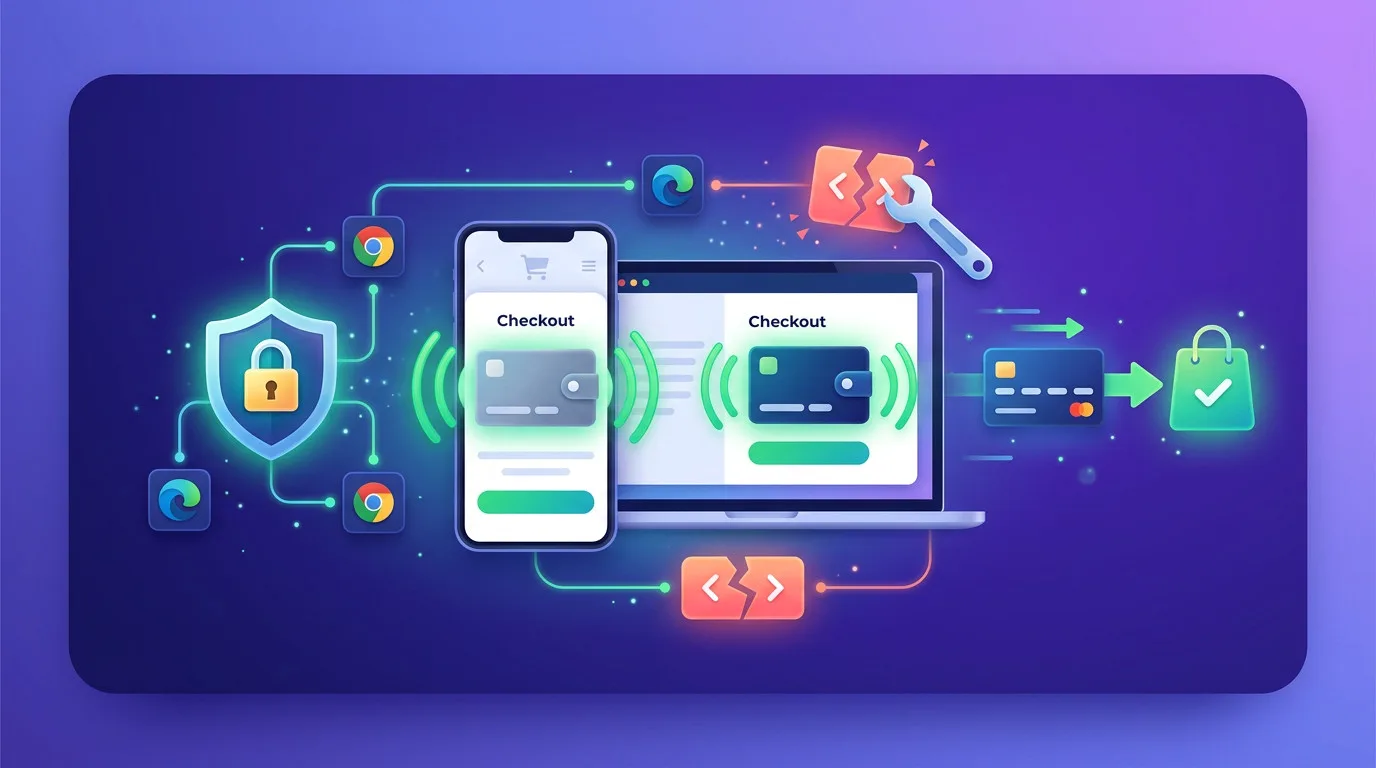



We resolve code errors and script clashes that hide Apple Pay and Google Pay buttons on product, cart, and checkout screens.
We upload and configure the required merchant association files in your root folder so Apple Pay activates properly.
We ensure express buttons render at the right size, fit your page layout, and remain visible above the fold on mobile screens.
We make sure wallet buttons work instantly once a buyer selects an item size or color, without page freeze errors.
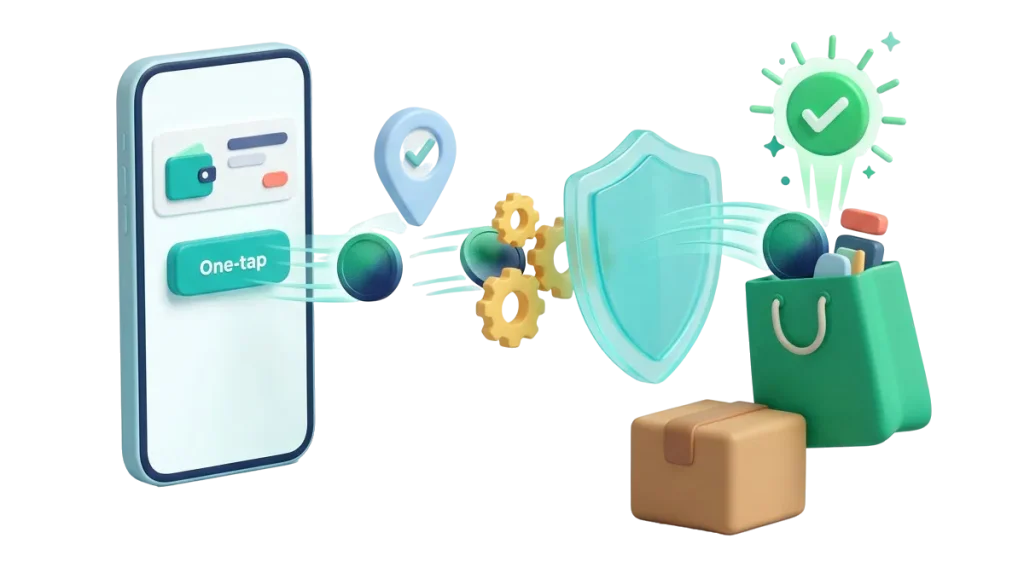
Typing credit card numbers on a small mobile screen causes shoppers to give up. We configure your payment gateways so Apple Pay shows up on Safari and iPhones, while Google Pay loads on Android and Chrome. Your buyers get a secure, one-tap payment experience that automatically pulls their verified shipping address.


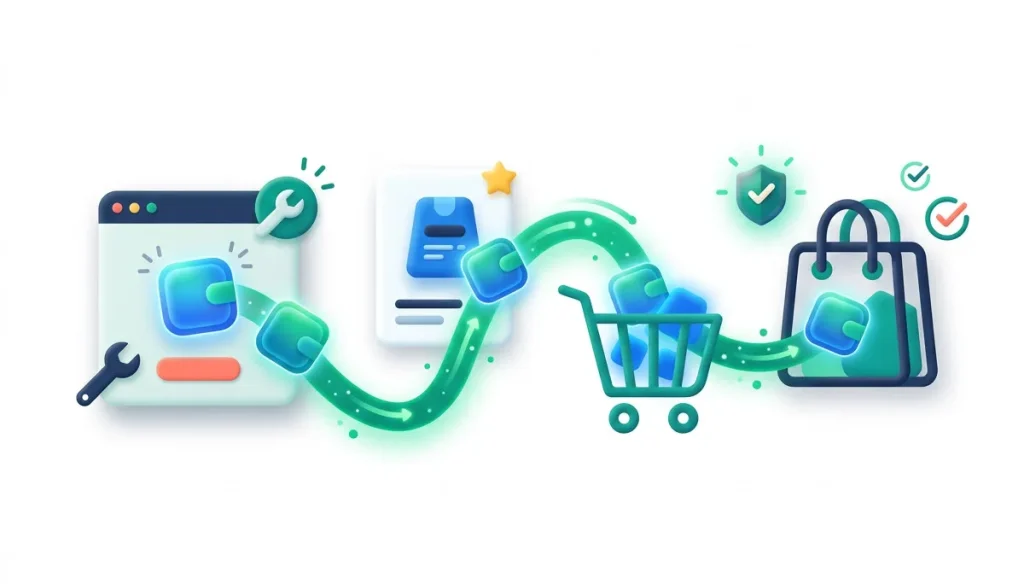
Do not guess whether your mobile wallet buttons are showing up for real buyers. We set up simple monitoring to check wallet availability across different browser types and operating systems. You can confirm that supported devices load Apple Pay and Google Pay properly every single day.
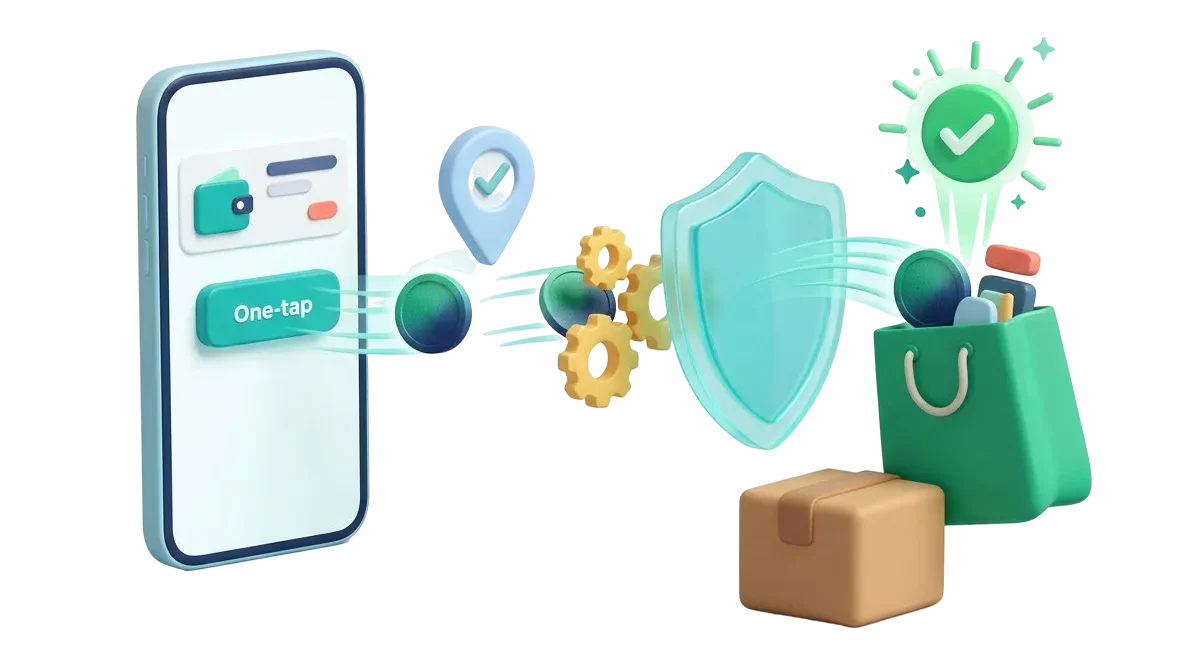
Speed up impulse buys on your shop. We place clean Apple Pay and Google Pay buttons directly below the Add to Cart button so mobile shoppers complete orders in under ten seconds.
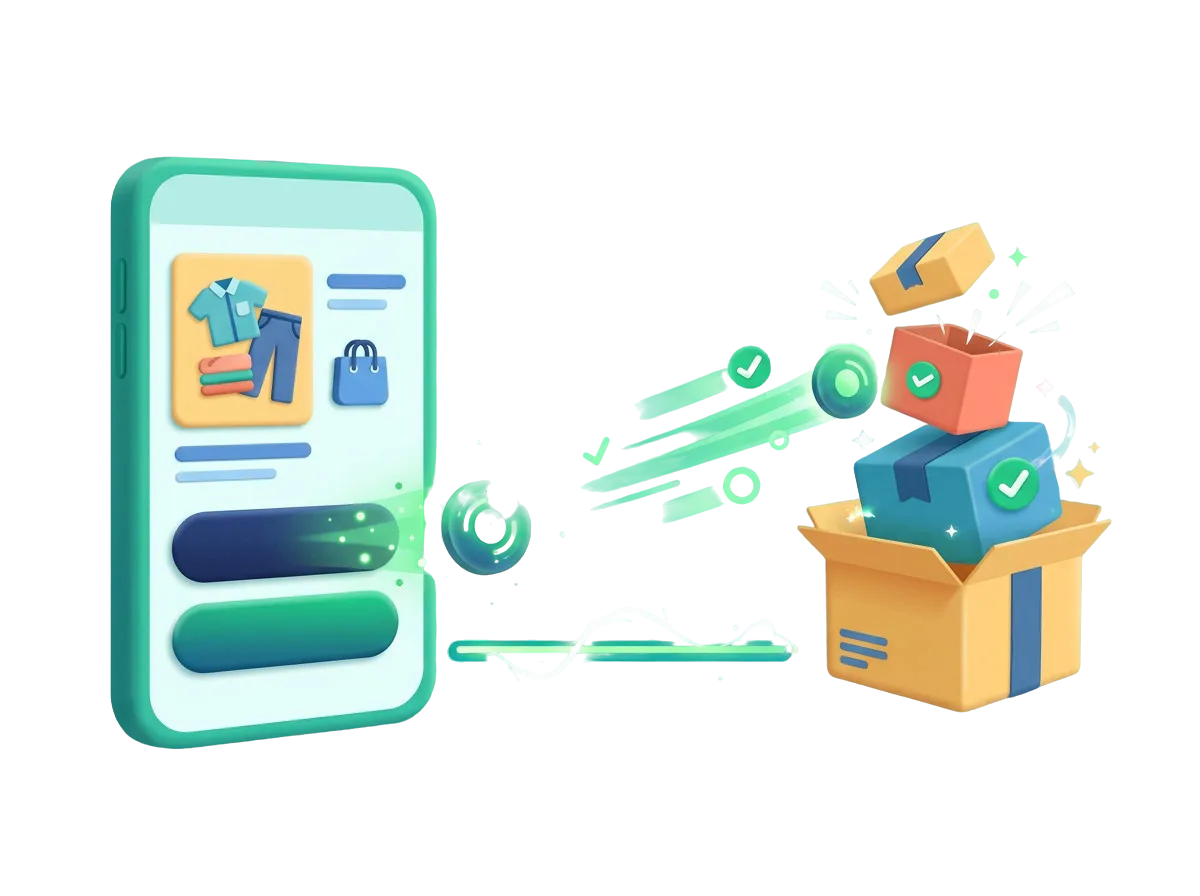
When client stores run custom themes that hide express checkout buttons, let our specialists step in. We fix script order and hook placements so your client launches stay on track.
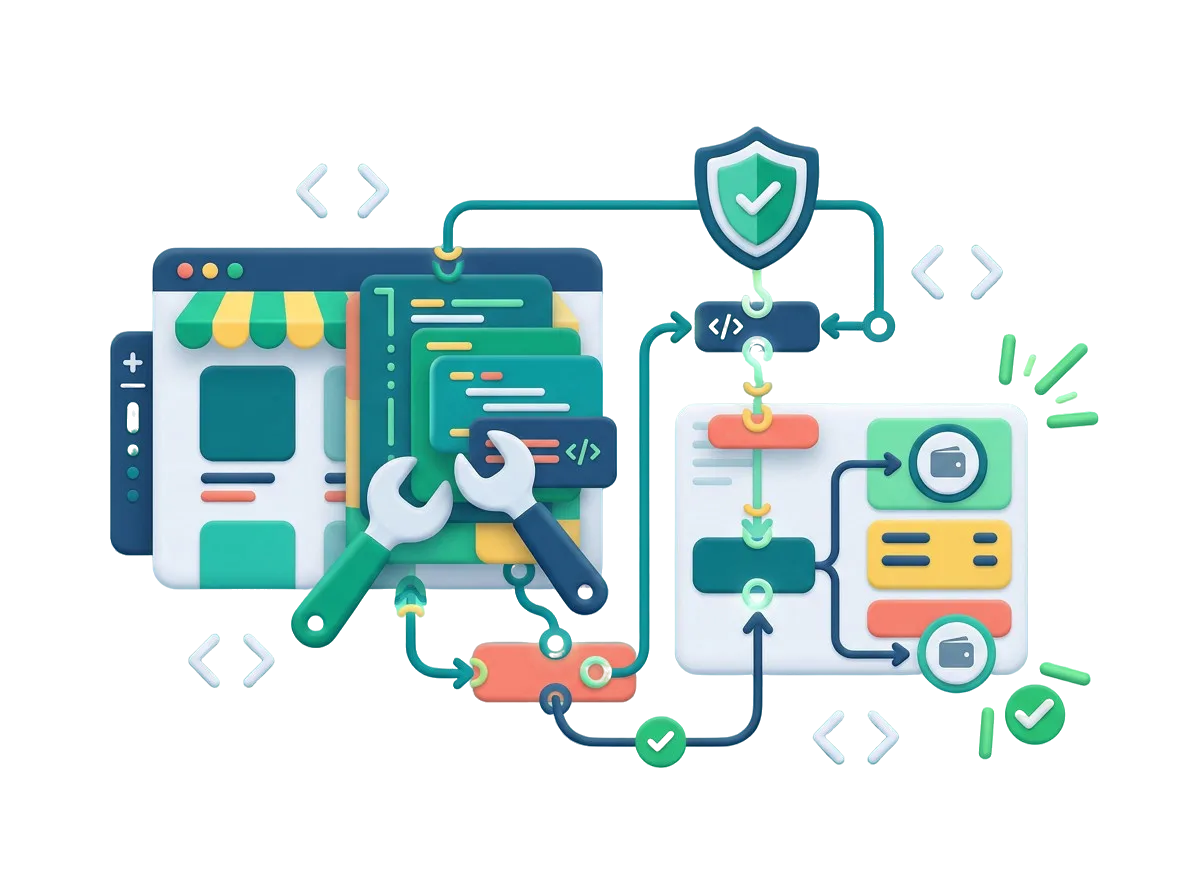
Give your new brand immediate credibility. We configure your merchant accounts, domain associations, and mobile buttons before public launch so early visitors enjoy a premium checkout experience.
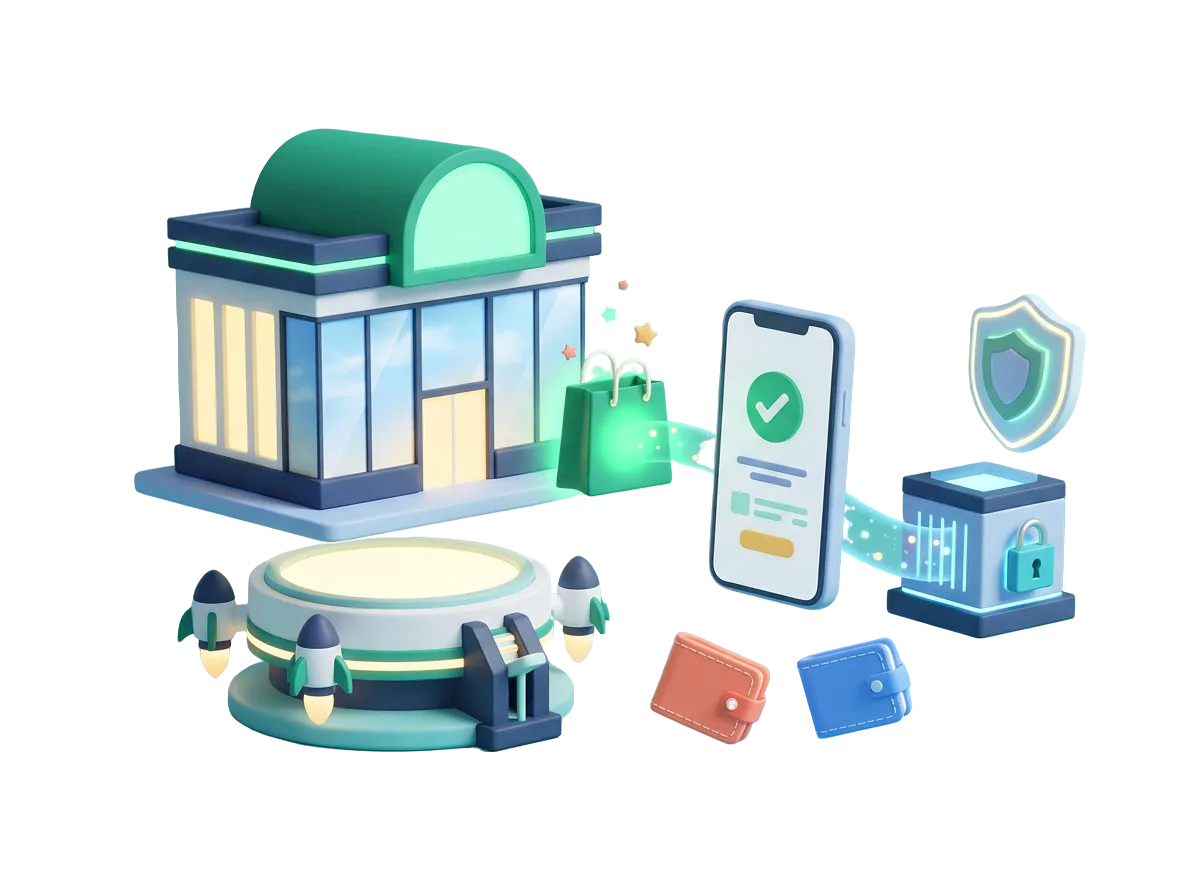
Most social media ad clicks happen on mobile phones. We make sure express checkout buttons load inside in-app browsers like Instagram and TikTok so paid clicks turn into finished orders fast.
$ 49.00
$ 99.00
$ 199.00
$ 490.00
$ 990.00
$ 1990.00
Project Step 1
“We inspect your payment gateway settings, active theme templates, and domain verification files. We test your pages on real Apple and Android devices to identify why express buttons fail to appear.”
Project Step 2
“We outline the required merchant file uploads, gateway settings adjustments, and theme script fixes. You receive a clear summary of the work before any settings are modified.”
Project Step 3
“We check the size, spacing, and placement of the Apple Pay and Google Pay buttons. We ensure they fit neatly alongside your existing Add to Cart buttons without cluttering mobile screens.”
Project Step 4
“We upload the required domain verification assets to your server, resolve JavaScript clashes, and connect the gateway hooks. We confirm that wallet popups calculate taxes and shipping accurately.”
Project Step 5
“We place test orders using real Apple Pay and Google Pay accounts across different phones, tablets, and desktop browsers on a safe staging site. We verify that transactions finish cleanly.”
Project Step 6
“We apply the fix to your live store without any checkout interruptions. We watch the first real mobile customer orders come in and provide simple notes on keeping wallet features active during updates.”
Share your store details with us to get a complete mobile wallet review, action plan, and clear quote.